Roveri vs RideLog
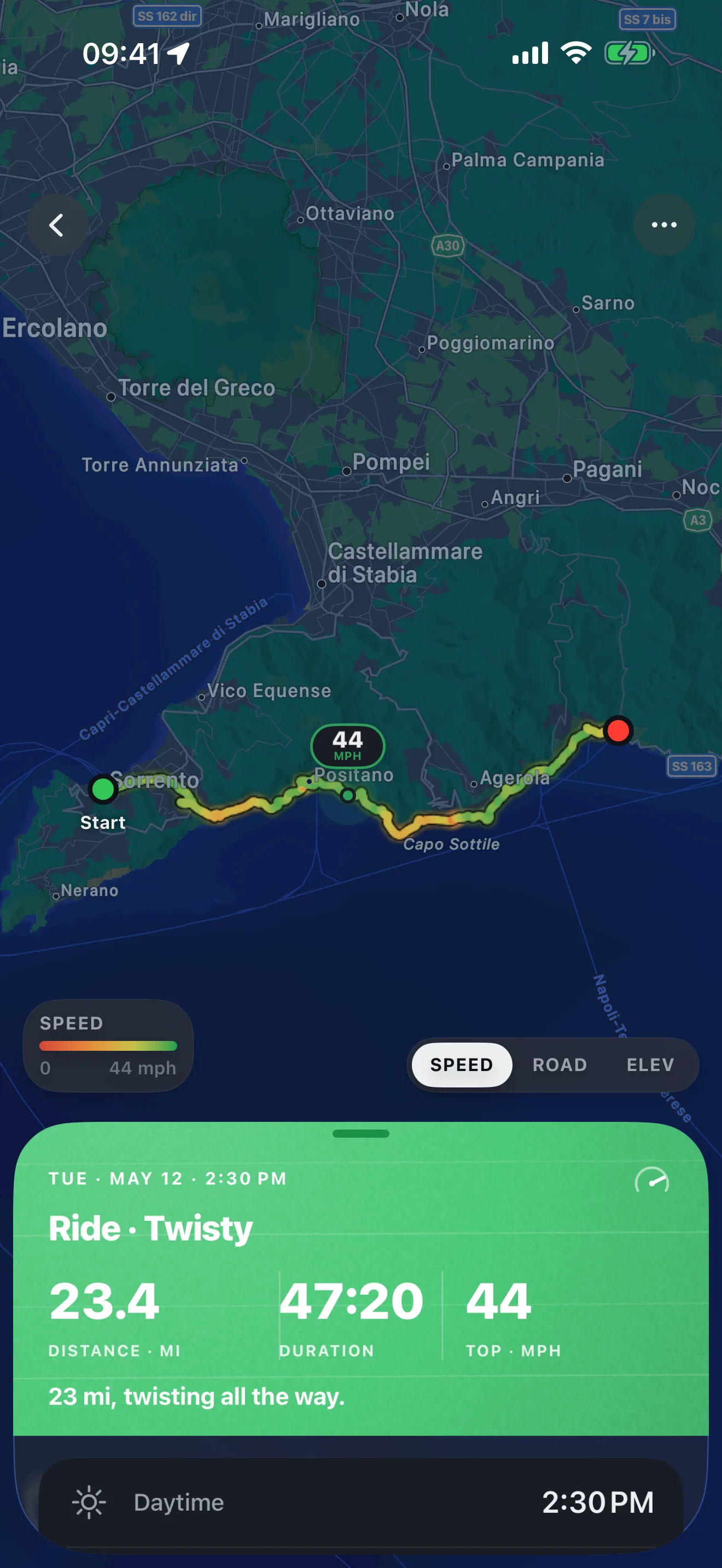
This is the closest comparison on the site. Both apps are logbooks, and Roveri is not a navigator. RideLog keeps the record of a motorcycle: every journey’s distance, duration, speed and consumption, every fill-up and what it cost, and the servicing deadline that comes next. Roveri keeps the record of a ride: the line you took painted by speed, the climb in it, and the weather it happened in.
So the question here isn’t the usual one on these pages — journal versus navigator. It’s whether you want the running history of the bike, or a season of rides you can read back.

WHAT EACH ONE LOGS
One logs the bike. One logs the ride.
RideLog's own list runs from distance and consumption through to refill costs and the next oil change. Roveri's runs from the shape of the road to the temperature you rode it at.
RideLog Distance, duration, speed and consumption for every journey, plus each refill and what it cost.
Roveri The route, the climb and the conditions of each ride, gathered into a season you can re-open.
STARTING A RIDE
Detected for you, or started by you.
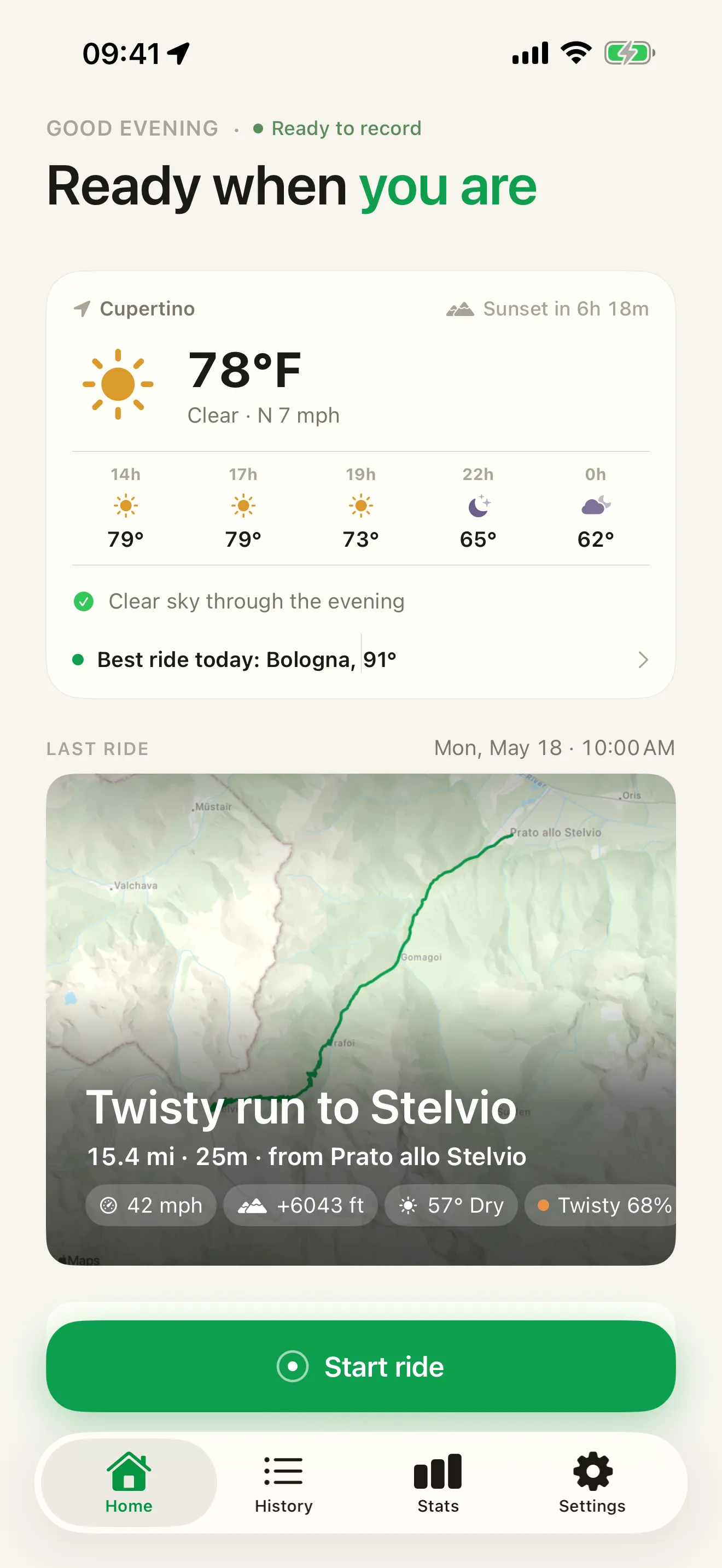
RideLog watches the phone's motion sensors and works out on its own that you've set off. Roveri waits for a tap — and then paints the line it records by the speed you were carrying.
RideLog Detects riding from the phone’s motion sensors and GPS, with nothing to start or stop.
Roveri Begins on one tap, then draws the line by speed so the ride reads back as a picture.
THE CONDITIONS
What the day was actually like.
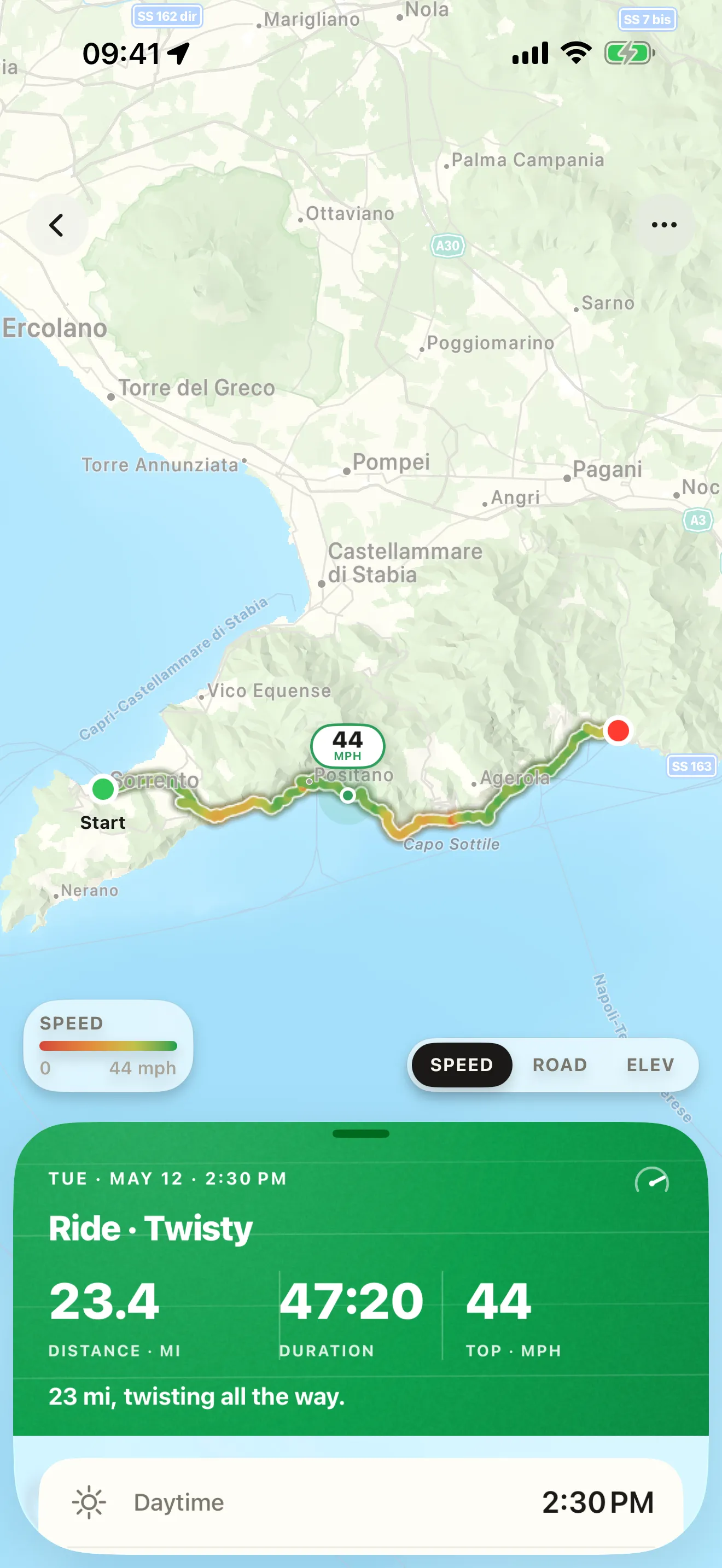
A total tells you how far you went. Roveri keeps the pass you climbed and the weather you climbed it in — up to eight samples taken along the route once the ride ends.
RideLog Its published logbook is about the journey’s numbers — distance, duration, speed, consumption.
Roveri Every entry carries its own elevation profile and its own weather, so a season reads as conditions.
GETTING IT OUT
A ledger, or a track.
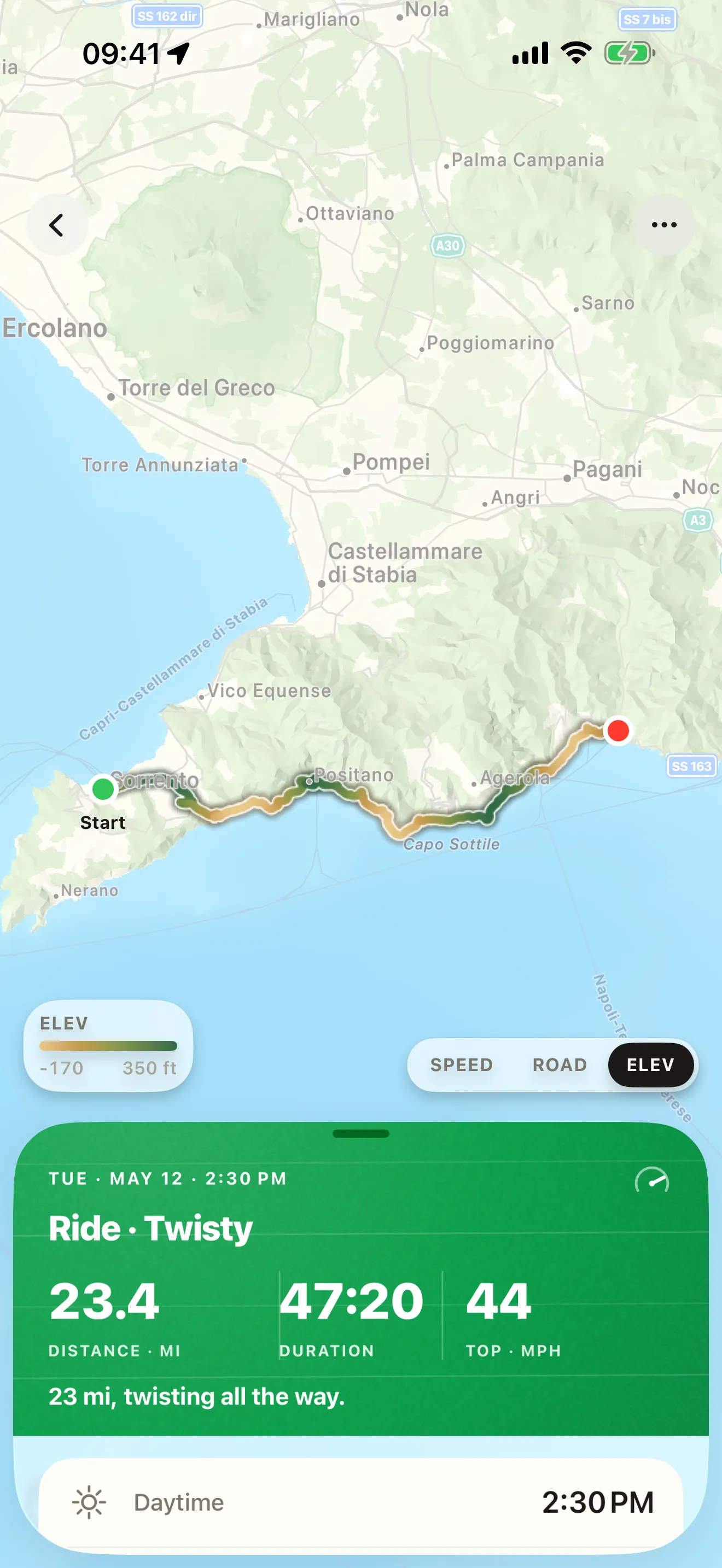
RideLog hands you the paperwork: every trip and every refill, as a document. Roveri hands you the ride — the raw GPS track for anything else you want to do with it, or a single image of it.
RideLog Export all your trips and refill history as PDF or CSV whenever you want.
Roveri The raw GPS track as a GPX file in Pro, and any single ride as a share card, free.
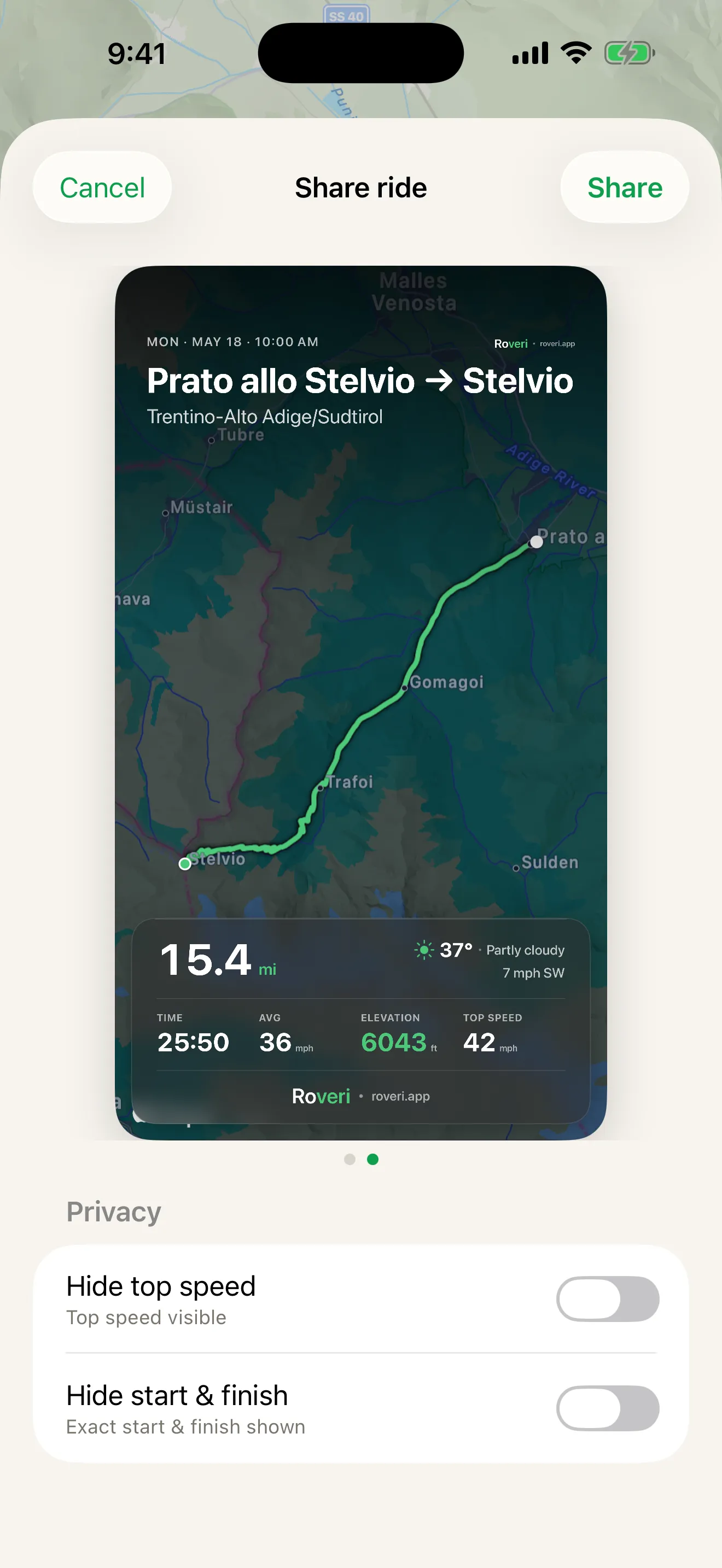
Two logbooks, keeping different records
| Feature | Roveri | RideLog |
|---|---|---|
| What the logbook is about | Each ride and its conditions — the route, the climb, the weather at the time | The bike’s running history — journeys, consumption, refills and their cost |
| Fuel and running costs | Not tracked — Roveri keeps the ride, not the receipts | Logs each fill-up and calculates real consumption and cost |
| Maintenance deadlines | Not tracked; there is no service book in Roveri | Reminders for oil change, tire swap, insurance and road tax |
| Starting a ride | One tap to start, one tap to end | Detected automatically from motion sensors and GPS |
| Where each app runs | iPhone only, iOS 18.6 or later, synced through your own iCloud | iPhone and Android, by its own description |
| GPX export | Yes — one tap, in Roveri Pro | — |
The dash is deliberate. RideLog’s published export sentence names PDF and CSV, and says nothing about GPX in either direction — so this page says nothing about it either (ridelog.it, checked 31 July 2026).
Where RideLog does more
Three things, and all three are real. It runs on Android as well as iPhone — “the mobile app that rides with you, on iPhone and Android”, and its own structured data lists both operating systems. Roveri is iPhone-only. It logs fuel: “log each fill-up and let RideLog calculate your real consumption and costs”. And it tracks servicing: “oil change, tire swap, insurance, road tax — set it once and never miss a deadline again”. Those last two are whole jobs Roveri does not do at all (ridelog.it, checked 31 July 2026).
It also publishes a community layer — photos added along the way, your best roads shared, rides discovered near you and filtered by distance and rating. Roveri’s sharing is narrower on purpose: one finished ride, printed as a card you post wherever you already post.
On what each costs: RideLog’s own FAQ says it is “free to download with all core features included”, and that unlocking premium means “a flexible subscription or a one-time lifetime purchase”. No figure is published on that page, so none appears here. Roveri is likewise free to download, with an optional Pro tier.
If you want to know what the bike cost you this year — or you ride with an Android phone in your pocket — RideLog is the better tool, and this page is not trying to talk you out of it.
And if you are moving the other way, the riding comes with you: a ride exported from another app as a GPX file can be opened on your iPhone and lands in Roveri’s Imported section, apart from the rides you record here — so the totals on your own riding stay your own.
Common questions
Is there a motorcycle logbook app for Android?
Yes — RideLog. It describes itself as the mobile app that rides with you on iPhone and Android, and it logs rides, fuel fill-ups and maintenance deadlines on both (ridelog.it, checked 31 July 2026). Roveri is iPhone-only, on iOS 18.6 or later.
Does Roveri track fuel and servicing?
No. Roveri records the ride itself — route, speed, elevation and the weather it happened in — and gathers rides into a season. Fill-ups, running costs and service deadlines are RideLog’s territory, and it does them properly.
What is the difference between a ride logbook and a riding journal?
A logbook is a record of the machine: distances, consumption, refills, service dates. A riding journal is a record of the riding: where each ride went, how it climbed, what the weather was doing. RideLog is the first kind. Roveri is the second.
Can you export a ride from RideLog?
Yes. RideLog states you can export all your trips and refill history as PDF or CSV whenever you want (ridelog.it, checked 31 July 2026). Those are the two formats its published sentence names. Roveri exports a ride’s GPS track as a GPX file in Roveri Pro.
Roveri runs on iPhone (iOS 18.6 or later) and is free to download, with an optional Pro tier that adds the Coverage Atlas, deeper per-ride analysis, and GPX export. Read the full, code-verified fact sheet on the Roveri press page, or get Roveri on the App Store.